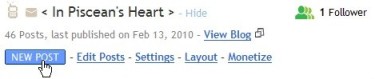
- Go to Dashboard and click on ‘New Post’.
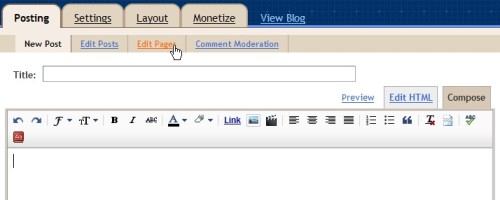
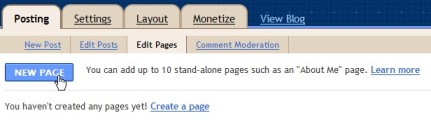
- Click on ‘Edit Pages’.
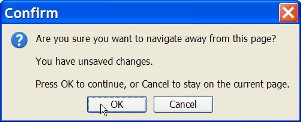
- When prompted, click ‘Yes’.
- Click on ‘New Page’.
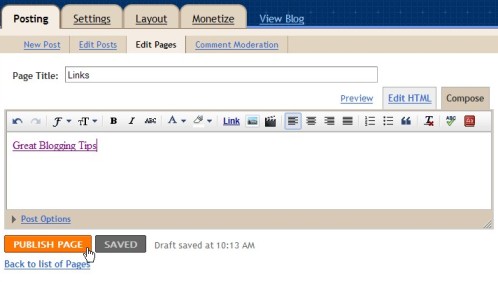
- Type in your Page Name and content. Click ‘Publish Page’.
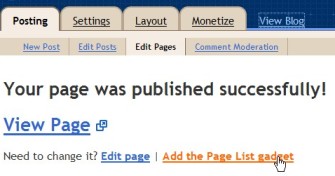
- Click ‘Add the Page List Gadget’.
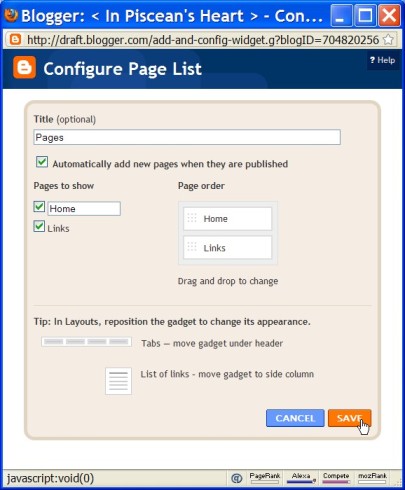
- Configure the order and click ‘Save’ when done.
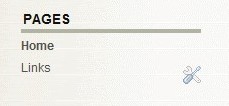
- Pages gadget will appear in your blog.